
Home › Forums › Products › Stompboxes › H9 Gen 2 troubleshooting connecting bluetooth › Reply To: H9 Gen 2 troubleshooting connecting bluetooth

Hi, sorry for the issues you are having.
The iPad you are using is a bit old and I’m not entirely sure if we support that, but it does seem like it should meet the specs to connect to the H9 via Bluetooth.
When you click the Bluetooth icon in the Eventide Control app, you should see the menu below. Is something else happening?
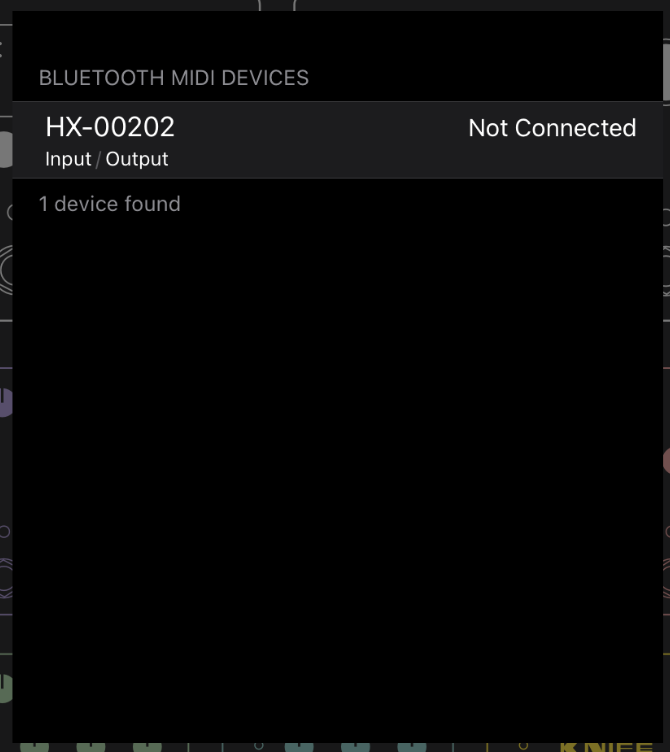
Also, have you tried forgetting the device on the H9 after connecting to your Mac?
If you choose to “Forget” the Mac your H9 is paired with, you must also remove the H9 Bluetooth device from the Mac Bluetooth settings before your H9 can reconnect. To do this, go to the Mac System Settings > Bluetooth menu, locate the H9 Bluetooth device, right-click it and select “Forget”. After this, repeat the instructions to pair using Eventide Control.
