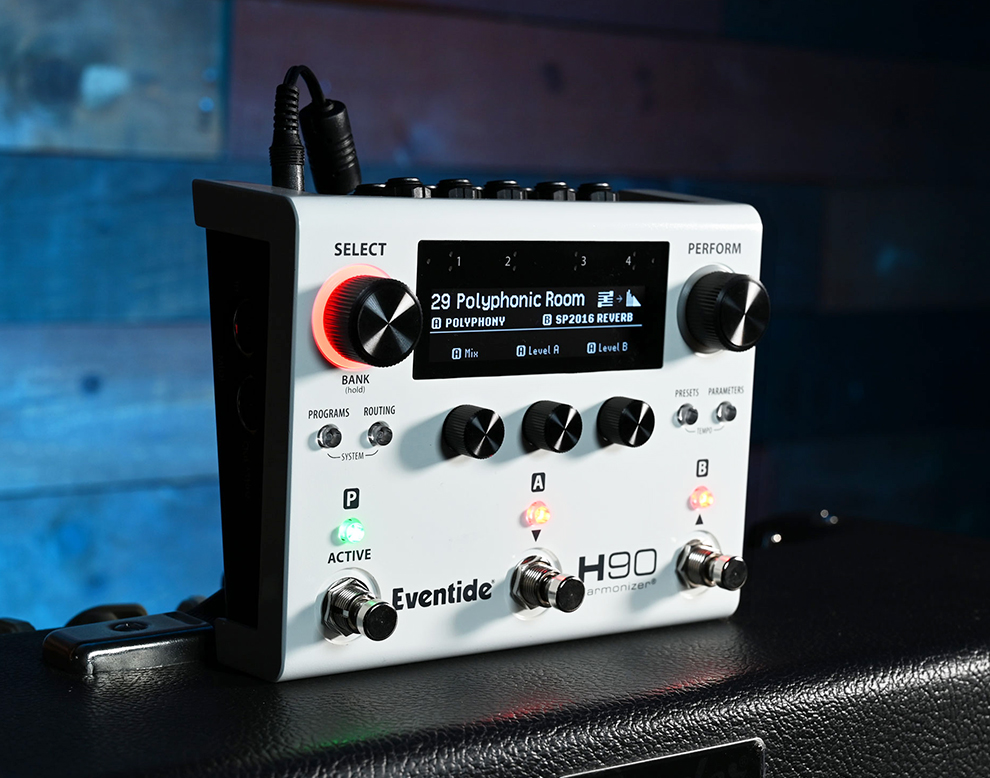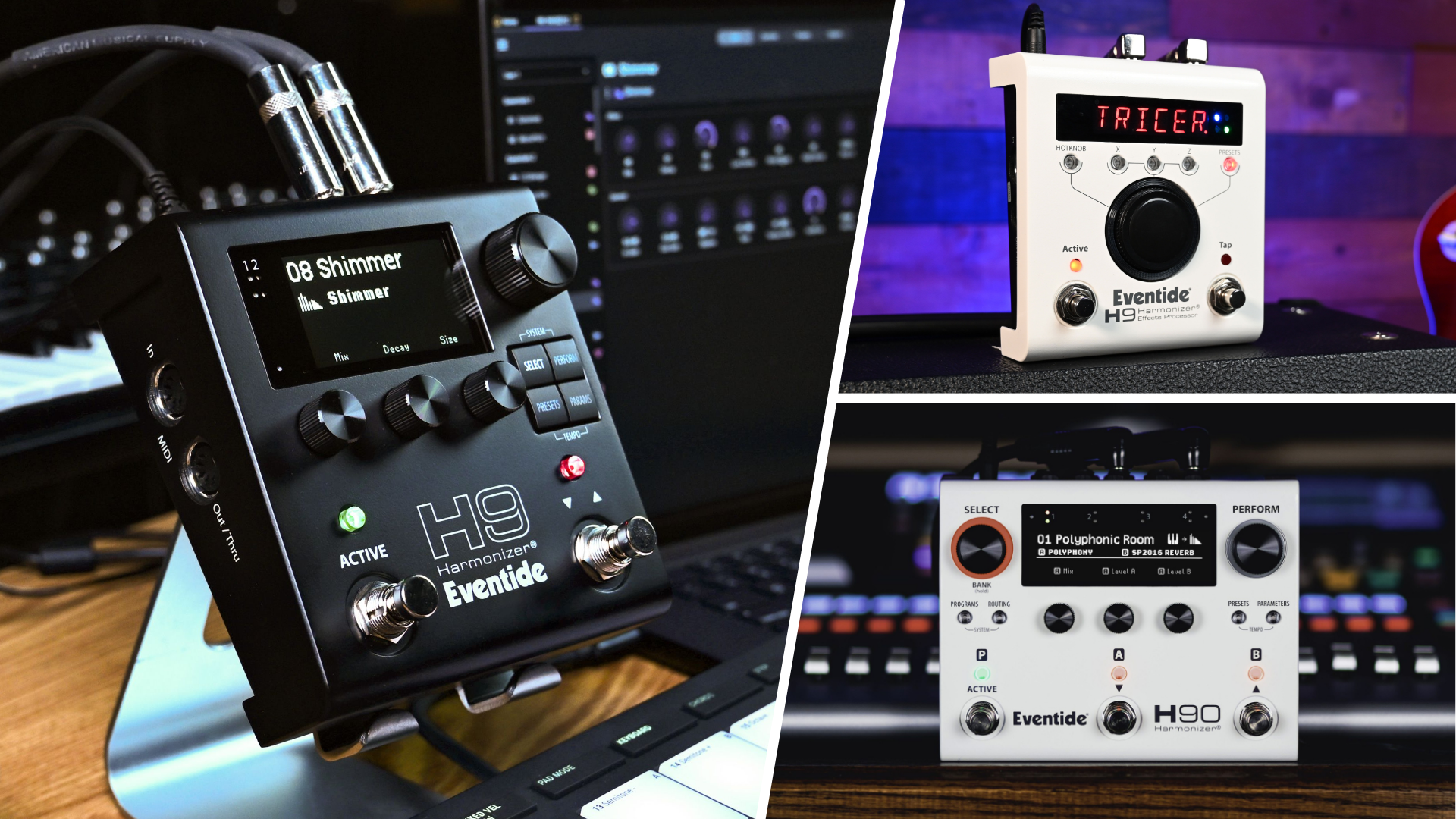
A whole new generation of Harmonizer is here, and we’re excited to introduce folks to the latest evolution of the Harmonizer platform. One common question that comes up is whether one can import their old H9 presets from Gen 1 hardware. This is not only possible, but also a straightforward process!
This guide will walk you through the steps required to export presets or preset lists from your H9 classic using H9 Control, as well as importing them into H9 Harmonizer Gen 2 or H90 using Eventide Control.
H9 Harmonizer® Gen 1 Instructions
Exporting Presets from H9 Control
To export an individual preset, within H9 Control select said preset, click “More” in the upper right-hand corner of the app, and select “Export Preset.” Save your list in the desired location and you’re ready for the next step.
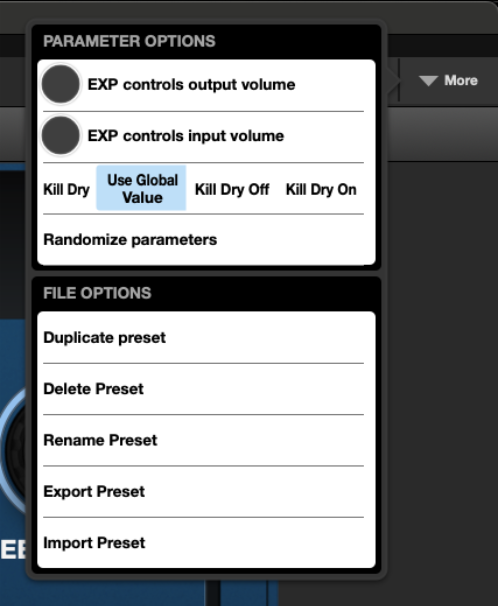
Exporting a Preset List from H9 Control
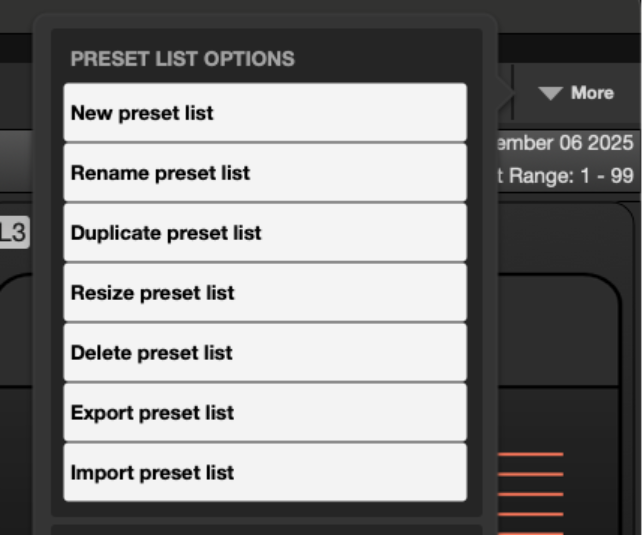
Exporting a preset list is a similar process. Open H9 Control, select a preset list, click “More” in the top right corner, and select “Export Preset List.” Save your preset list to the desired location on your computer or iPad, and it will now be available to import to your H9 Harmonizer Gen 2 or H90.
H9 Harmonizer Gen 2 / H90 Instructions
Importing Presets into Eventide Control
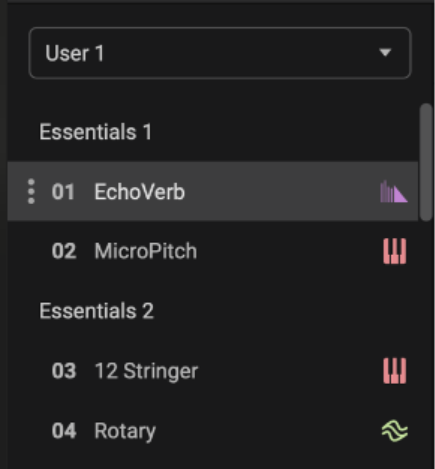
If you are importing a preset to your H9 Harmonizer Gen 2 or H90, first choose a location on the Playlist on the left side of the app. Click the three-dot icon and select “Import Preset” and your preset will be added to the selected location.
Importing Preset List into Eventide Control
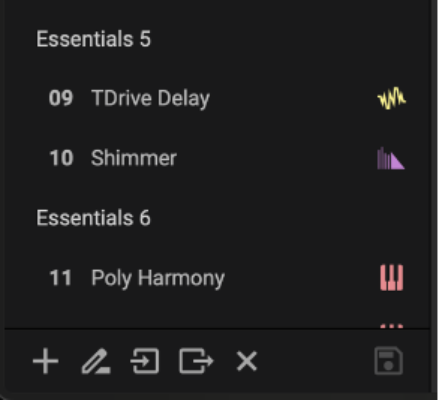
To add a preset list to your H9 Harmonizer Gen 2 or H90, open Eventide Control and click the Import arrow button on the bottom left-hand side of the app. Choose the list file you exported from H9 Control, and you’re all set.
In Summary
Our goal is to make accessing classic H9 presets on your new H9 Harmonizer as simple as possible, allowing users to dive right into exploring their favorite sounds in high fidelity with a new and improved workflow.
If you experience any issues getting set up, please contact support and we’ll be happy to assist you.
H9 Harmonizer Gen 2