
Music Mouse Installation & Activation Instructions
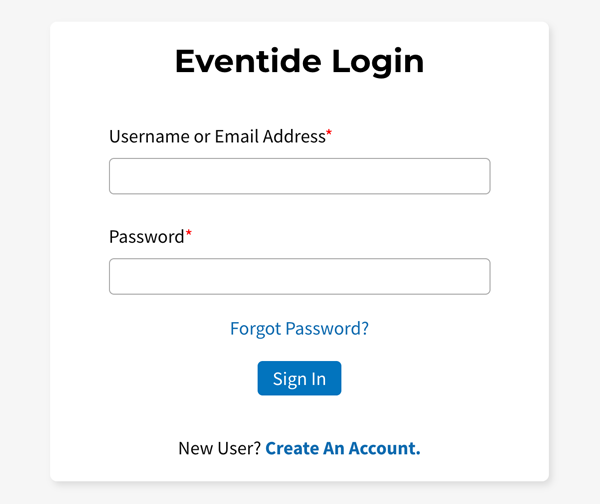
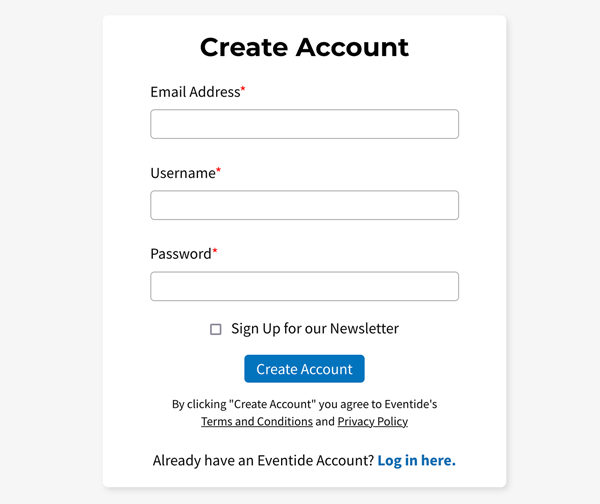
Navigate to “My Account” → “Register Products” to register Music Mouse.
Your License Key will be 3 sets of 4 & 5 alphanumeric characters, like A1B2-C3D4E-5F6G7. It can be found in your License Key email or via the order confirmation page.
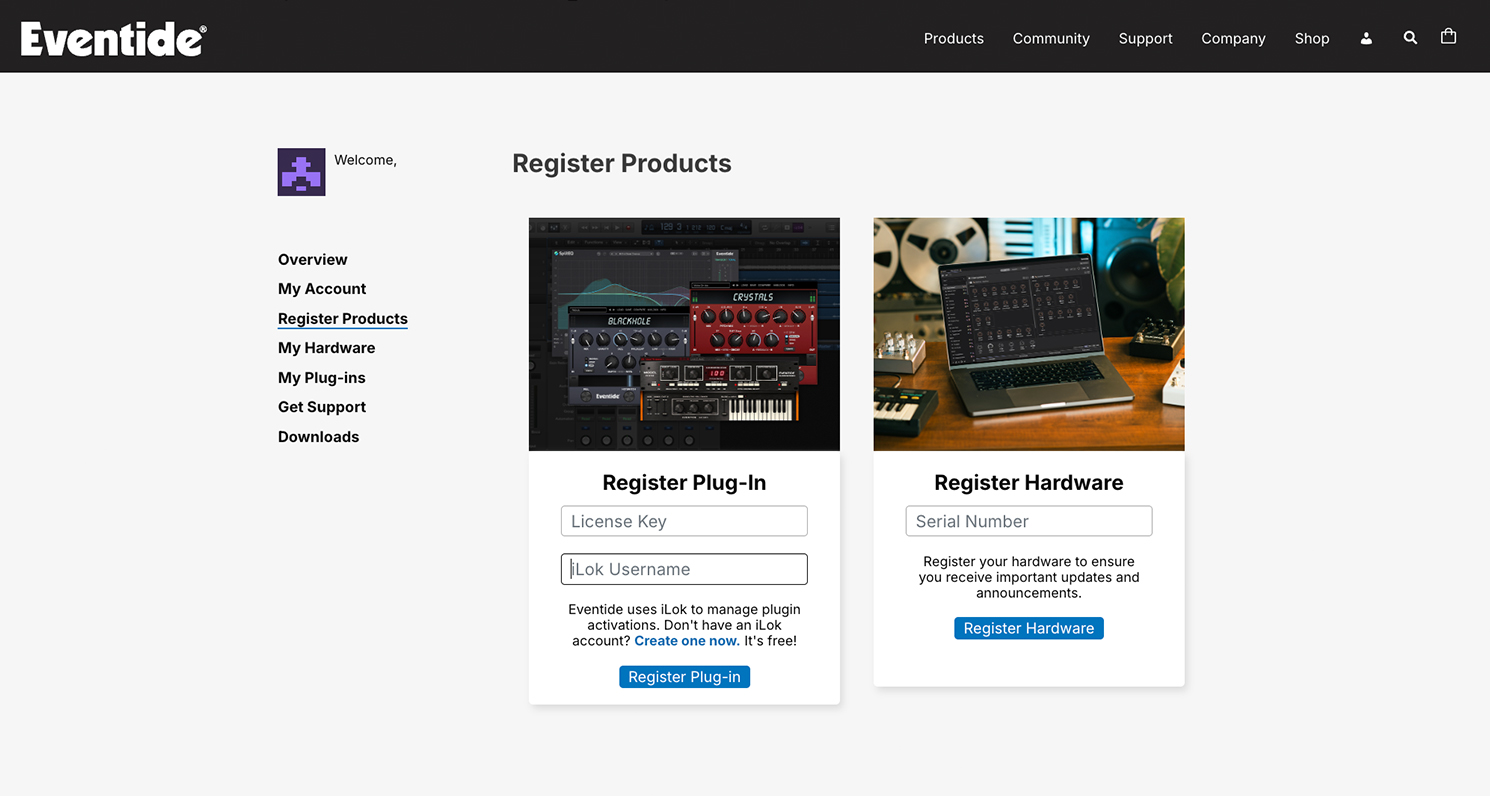
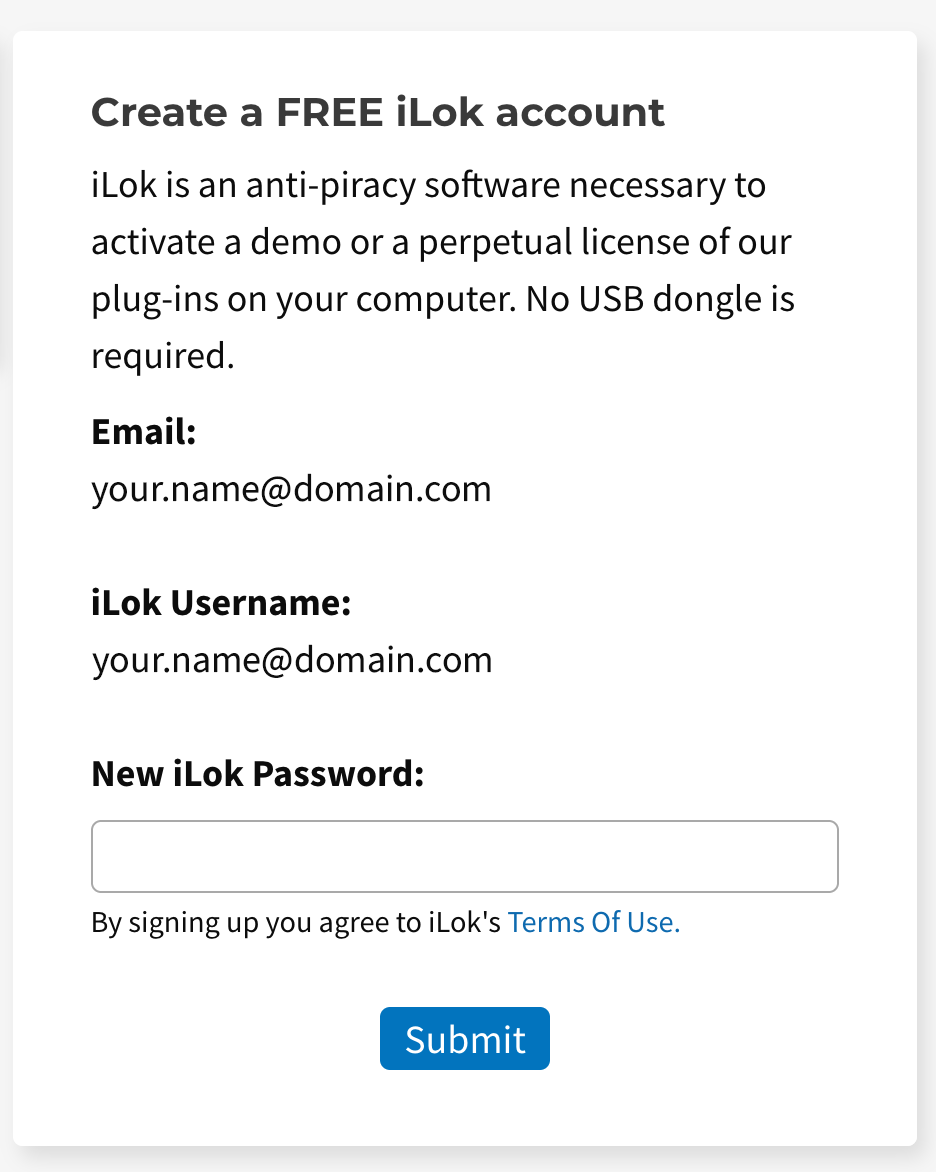
If you do not already have an iLok account, you can create one directly on the product registration page.
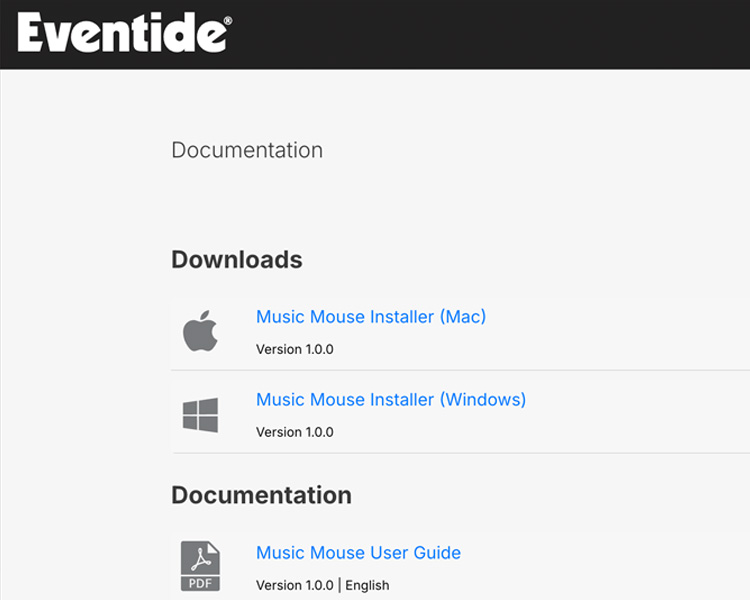
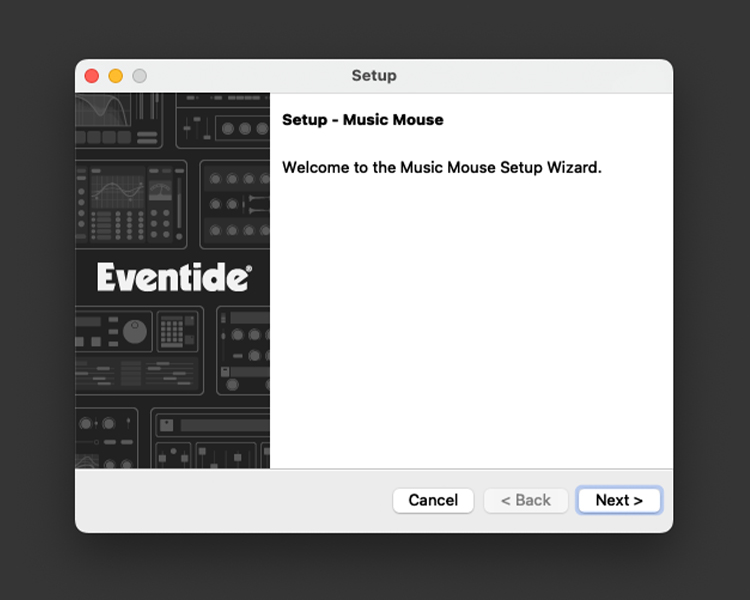
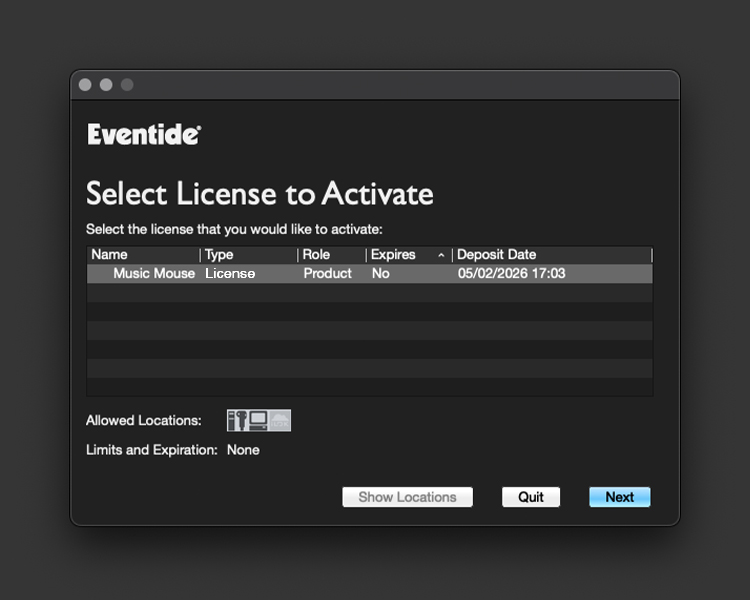
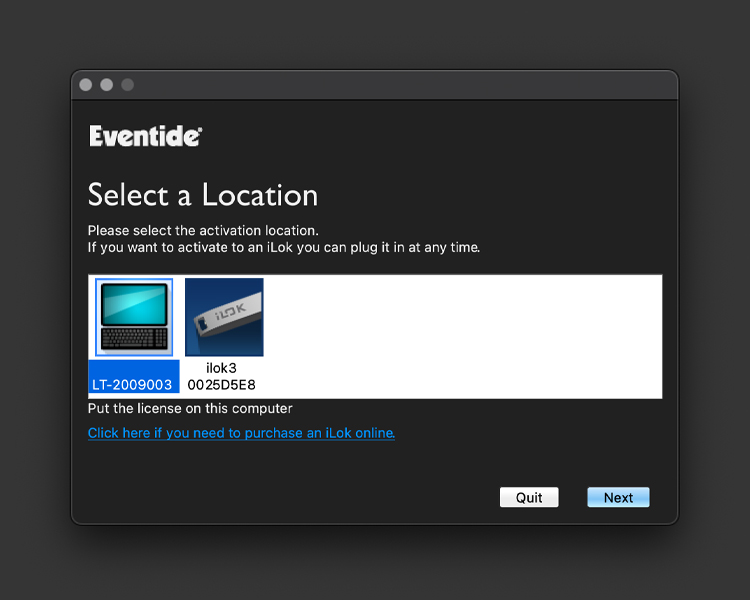
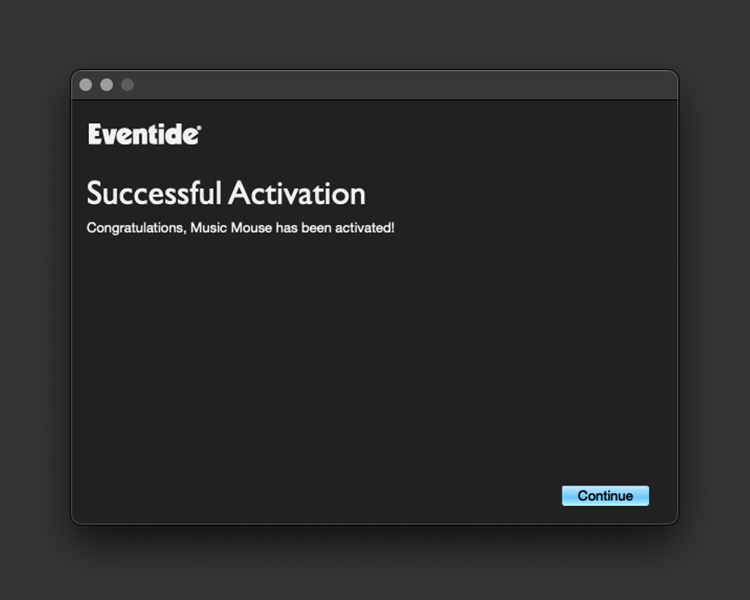
Launch Music Mouse and activate.
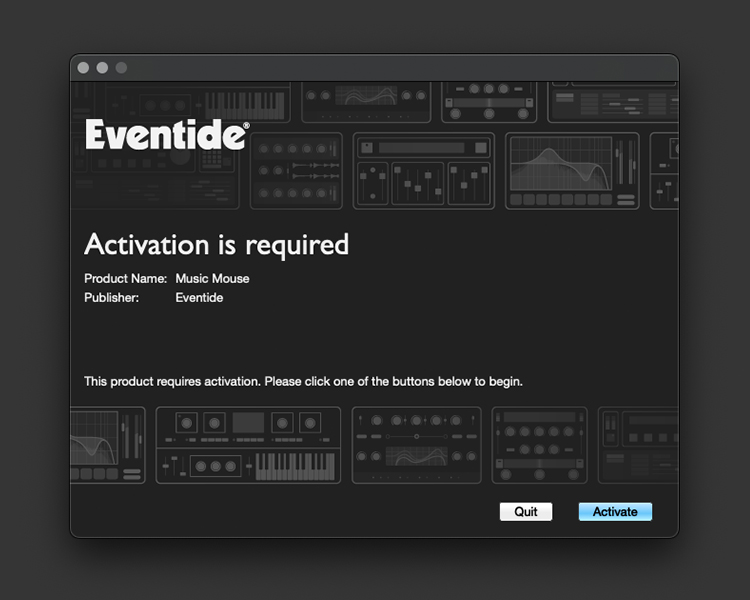
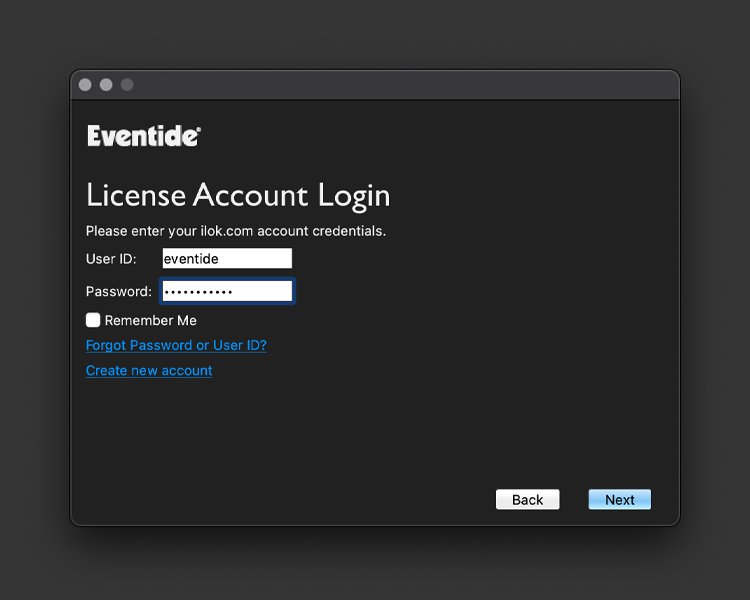
Follow the activation prompts that appear when you launch Music Mouse. You’ll need to enter your iLok username and password.
Looking to connect to a DAW? Check out the guide here.
